 October 8, 2025
Workplace efficiency is more than a buzzword. It’s what keeps tasks on track and teams performing at their best. Many companies invest in software and management tools, but they often overlook hardware. One of the most overlooked tools is the office printer. Choosing the right one can transform how smoothly your office runs.
Faster Printing, Less Waiting
Time is one of your most valuable resources. When you rely on an office printer built for speed, you reduce the time employees spend waiting for jobs to finish. A device designed for high-volume document printing keeps the flow steady, so projects move forward without unnecessary pauses. Over weeks and months, those saved minutes build into significant gains.
A fast printer also supports collaboration. Imagine your team preparing reports before a client meeting. If documents print quickly and without errors, there’s less stress. Strong print speed gives you the confidence that materials will be ready when you need them.
Smart Features That Simplify Work
Modern printers aren’t just about printing. They come with a range of functions that save time and remove unnecessary steps. Here are some of the most useful features to look for:
- Wireless connectivity that links to your wireless network
- Cloud connectivity for printing from anywhere
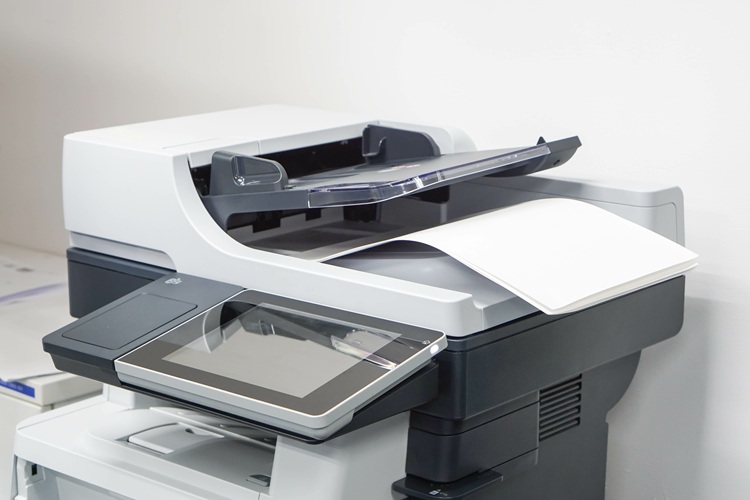
- Automatic document feeder for fast scanning and copying
- Multifunction printer setups that handle scanning, copying, and faxing
- Smart technology that monitors supplies and optimizes performance
These features simplify your workflow and keep things running smoothly. These small adjustments prevent interruptions and free up time so you can focus on more important tasks.
Cost Efficiency and Resource Management
Printing can become a hidden expense. Ink, paper, and energy use add up quickly. A well-chosen printer helps manage print costs by running more efficiently and producing fewer errors. Over time, this translates into meaningful cost savings.When you save money on daily operations, you have more flexibility to invest elsewhere. Businesses that continually look for ways to optimize efficiency often see stronger financial performance over time. Cutting energy waste and lowering carbon emissions also show you care about sustainability. In this way, your printer supports both efficiency and smarter resource management.
Reliability Reduces Interruptions
Every workplace deals with unexpected interruptions. A machine breakdown is one of the most frustrating ones. If your printer jams often or requires constant repairs, it drags down productivity. Choosing a reliable model lowers these risks.
A dependable printer also manages supplies better. High-yield toner cartridges or inkjet cartridges last longer and cut down on frequent replacements. Consistency in performance creates peace of mind and helps you plan projects with confidence.
Security and Confidentiality
Protecting information is a growing priority. Many printers now come with secure authentication and other printer security tools. These keep sensitive data out of the wrong hands. For businesses that handle confidential documents, this extra layer of protection is vital.
Think about the trust you build when clients know their information is safe. Managing the document lifecycle carefully isn’t just about compliance. It’s about showing professionalism and responsibility in every step of your operations. Secure printing adds another safeguard, making sure that documents are only released to authorized users.
Environmental Responsibility Supports Efficiency
Sustainability is no longer optional. Printers with eco-friendly designs reduce waste and consume less energy. This doesn’t just help the planet. It also keeps your office cleaner and your operations more efficient.
For example, duplex printing saves paper, and energy-saving modes cut down on electricity costs. These features make it easier for you to align your workplace with modern values while keeping efficiency high.
Choosing the Right Printer for Your Needs
Not every printer is built for the same kind of office. A device that works well in small offices or a home office won’t meet the demands of a larger team. Depending on your workload and priorities, different options will make more sense. Here are some of the main types you should consider when choosing the best printer:
- Color printer for marketing projects that require sharp graphics and vibrant visuals
- Laser printers for speed and durability
- Inkjet printers for crisp, high-quality images
- Color and black-and-white printers for versatility
- Workgroup printers for medium or large teams
- All-in-one multifunction devices for offices that need scanning, copying, and faxing
These options make it easier to match a printer to your workflow. Picking wisely helps you improve efficiency and long-term business performance.
Conclusion
Efficiency is built on small choices that add up. A printer may not seem like the centerpiece of your workplace, yet the right one makes every day smoother. It supports your team’s focus, helps reduce stress, and keeps resources under control. By looking closely at your printing needs, you’re setting up your office for a smarter, more productive future.